


Vape Puff Counter: How To Know How Many Puffs Are Left
A puff counter helps track vape use more easily. However, the number on the screen does not always show puffs left. Some devices count draws already taken. Others show an estimated percentage. Or they show a countdown based on the rated capacity. Knowing this difference forms the first step to judging puffs that remain.

What Is a Puff Counter on a Vape?
A puff counter tracks each activation. In a draw-activated device, an airflow sensor detects the pressure change from an inhale. The control chip then heats the coil and logs the activation. In a button device, the count rises when the fire button powers the coil.
The screen shows this data in different forms. It may list puffs used as a running total after each draw. It may show puffs remaining as an estimated countdown from the set capacity. It may track a daily or session count that resets to follow habits. Or it may display an e-liquid percentage based on a calculated estimate. Users sometimes mistake this for a direct puff count.
The puff counter is not the only information that is displayed on the Vape. Most Vapes display other information such as the Battery, Puff Length, the Output Mode, the resistance, and any Alerts. Read the correct information first by reading the manual and/or learning the screen icons.
Does a Vape Puff Counter Show Puffs Used or Puffs Left?
Watch what happens after one normal draw. If the number rises from 125 to 126, it counts puffs used. If it drops from 125 to 124, it estimates puffs left. A percentage next to a droplet icon usually tracks estimated e-liquid rather than a literal draw count.
The package or manual offers another clue. Labels such as PUFF, P, or count often mark a cumulative total. Words like remaining, a descending bar, or a circular progress graphic usually point to estimated life left.
Some disposable screens skip individual puffs. Their liquid meter drops in stages. Several draws may pass before the display updates. This behavior stays normal for an algorithmic indicator.

How Do You Calculate How Many Puffs Are Left?
For a counter that records puffs used, apply this basic formula. Estimated puffs left equals advertised puff capacity minus puffs already counted. For example, a device rates for 20,000 puffs. The counter shows 6,500. The basic estimate gives 13,500 puffs left. This figure serves only as a reference, not a guarantee. The rated capacity and your counter may rest on different draw assumptions.
A more personal estimate uses your own consumption rate. Record the puff count when the device is new or after a fresh pod. Use the device normally for several days. Note how many puffs you take before the liquid display drops by a known amount. Multiply your average by the remaining percentage.
This counter recording for 400 puffs, and a decrease in liquid from 100% to 80%, gives us an observed rate of about 2,000 puffs per full cycle. Therefore, at 60% indicated liquid in the tank, we estimate that there are about 1,200 puffs of vapor in this tank. Because percentage meters often move in steps and do not measure the reservoir directly, treat the result as a planning range.
Why Is the Remaining Puff Count Only an Estimate?
Puff duration changes liquid consumption.
A counter treats each valid activation as one puff. This holds whether the draw lasts one second or several. Longer draws keep the coil on longer. They vaporize more liquid and draw more power. Two people can reach the same displayed count yet have very different liquid left.
Power mode and airflow affect each draw.
Boost or pulse modes usually create denser vapor. They use more liquid and battery energy per activation. A more open airflow can also encourage larger draws. If the manufacturer set the capacity under a different mode or test pattern, real-world life will vary.
The counter records activation, not perfect consumption
A very short inhale may trigger the sensor and add one puff even when little aerosol forms. Repeated false activation, condensation near the sensor, or an unusually sensitive airflow path can also shift the total. Conversely, a weak draw that fails to activate the chip will not register.
Battery, coil, and wicking condition matter
The battery powers the atomizer. The coil and wick decide how well e-liquid turns into aerosol. Low charge may cut vapor before the liquid runs out. Heavy sweetener buildup, poor wicking, temperature shifts, or a worn coil may also make the device seem empty early.

How Can You Tell a Disposable Vape Is Nearly Empty?
A disposable vape with a puff counter gives useful advance warning. Still, physical signs remain important. The device may be near the end of its life in several cases. The remaining-puff or liquid display stays close to zero. Flavor turns consistently faint. Vapor stays weak after charging. Draws feel dry or develop a burnt taste. The device stops activating despite charging. Or a low-liquid or end-of-life warning appears.
Stop using your vapor product when it tastes burnt, is too hot to use, leaks, or shows signs of an electrical fault. Never attempt to open, puncture, or refill a sealed Disposable Vape Product in order to retrieve remaining liquid from the device. The lithium battery of your vape product counts the number of puffs you take. Reaching zero does not mean the battery should be thrown in the household trash. Use an appropriate battery or electronic-waste collection route.
What Should You Do If the Puff Counter Vape Reading Looks Wrong?
First, charge the device if it supports recharging. A low battery can cause weak output that feels like an empty reservoir. Then take one normal draw and watch whether the count or percentage changes. Compare the display with flavor, vapor, and warning icons.
On a reusable puff counter vape, the total may reset through a menu or button combination. Reset steps vary by model. Some counters roll over automatically after their maximum display value. A reset clears recorded data only. It does not restore e-liquid, coil life, or battery capacity.
Most disposables have no user reset. Do not attempt to reset your device to the factory settings or attempt to open up your device unless instructed to by the manufacturer. New devices are released from time to time that display a frozen, errant, or wrong display. Contact the seller or the manufacturer of your model and let them know about the batch number you received.

How Do You Choose a Vape With Puff Counter?
Pick the information that helps you most rather than the largest screen. A daily counter lets an adult user watch frequency. A remaining-life indicator makes replacement planning easier. A well-designed display should carry clear icons. It should keep battery, e-liquid, mode, and puff data separate.
Also compare for e-liquid capacity, battery capacity, charging options, output options, coil options, airflow options, leak resistance, and local limits and restrictions. Large puff numbers count for nothing unless the battery, tank, atomizer, and control all work together and deliver the same consistently.
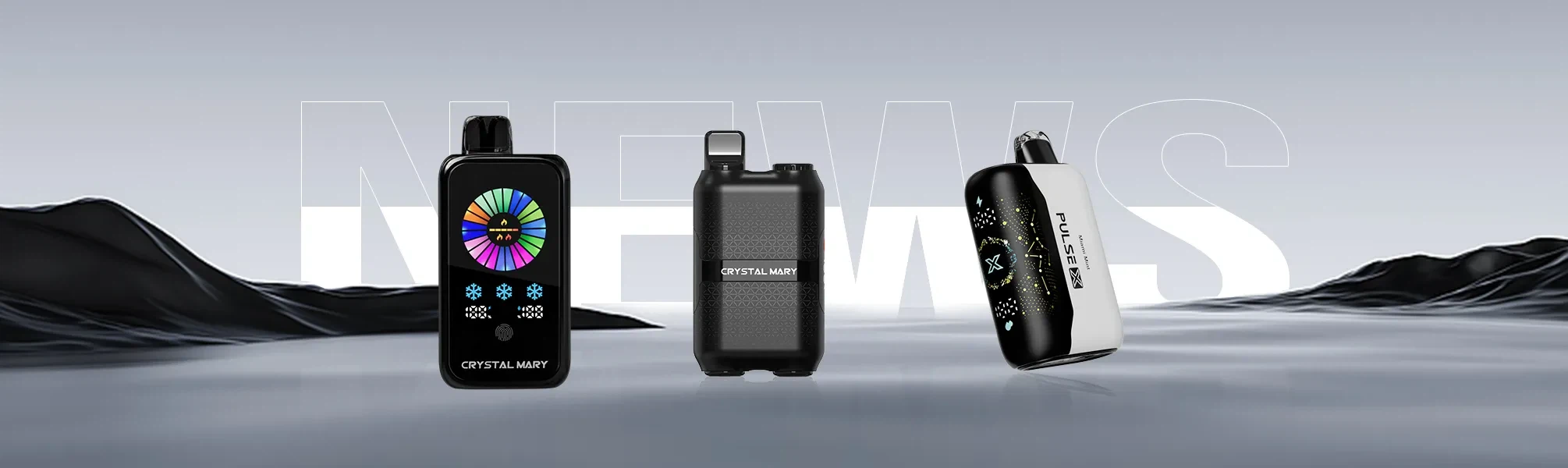
At Crystal Mary, our screen-equipped product development combines airflow-sensor activation, chip-controlled operation, and status displays with automated leak testing, puff-cycle simulation, and electrical performance checks. Our published disposable configurations range from 20,000 to 66,000 stated puffs, with model-specific liquid and battery capacities. These figures are product ratings set under test conditions. An individual user result depends on draw duration, frequency, airflow, and selected output mode.
FAQ
Q: Is a vape puff counter accurate?
A: It works well for counting valid activations. Yet it cannot measure identical liquid use for every puff. Long draws and high-power modes make the remaining-life estimate less exact.
Q: Why does my vape say zero puffs left but still work?
A: The countdown may rest on an algorithm or conservative preset rather than direct measurement. A small amount of liquid can remain in the wick. Stop if the flavor turns dry, burnt, or unusually weak.
Q: Does one puff on the counter always equal one inhale?
A: It usually equals one activation the chip recognizes. Very short, interrupted, or false activations may register differently depending on device firmware.
Q: Can I reset a puff counter?
A: Many reusable mods and pod devices allow a reset through their settings. Most disposables do not. Follow the model manual and never open a sealed device to reset it.
Q: Can a puff counter help track daily use?
A: Yes, if it includes a daily, session, or resettable total. Record the same time period each day for a clear comparison. Puff count alone does not precisely measure nicotine intake because liquid strength, device output, and draw style also matter.


