


How To Reset A Vape Puff Counter And Fix Common Issues
A puff counter records how many times you have used a vaping device. However, this number can stop updating. It might reset on its own. It could also stay stuck. This guide shows how to reset a vape puff counter. It helps you spot regular counting problems. It also helps you decide if you can fix the issue safely. The correct steps depend greatly on your specific device. The device might feature physical buttons. It could have a settings menu. Alternatively, it might use a sealed draw-activated design.
Before you attempt to reset anything, look at what the screen displays. Some devices show the puffs you have already taken. Other models display a rough estimate of puffs left. You should check the battery level, the e-liquid amount, and the puff data together.

What Should You Check Before Resetting a Puff Counter?
Is the Screen Showing Puffs Taken or Puffs Remaining?
Watch how the displayed number changes when you use the device. If the number goes up after each draw, it tracks completed activations. If the number goes down, the screen probably shows an estimate of puffs remaining. A decreasing number does not always mean the counter has failed.
This value acts only as a basic guide. Your draw length, the airflow, and the output mode all change how much liquid you consume.
Does Your Device Support a Manual Reset?
Look closely for buttons or a touchscreen. Check for menu choices like "Puff," "Counter," "Clear," or "Reset."
A sealed disposable unit with no buttons generally offers fewer choices. The internal chip usually sets its counter. You must read the manual, the packaging, or the official instructions before you try any random button sequence.
Test the device by taking a normal draw. If it still produces vapor, the problem might exist only on the display. If the device does not work, a low battery, blocked airflow, or a hardware fault could be the main cause.

How Can You Reset the Counter on Different Devices?
Resetting a Button-Controlled Device
Wake up the screen first. Then, open the main settings menu. Look for the puff record, the counter, or the clear option. You might need to hold a specific button. You may have to press it multiple times. Sometimes, you must confirm your choice on the screen.
After you complete the reset, take one normal draw. Check if the number starts again from zero or one. If nothing changes at all, please go back to the original product instructions.
Resetting a Draw-Activated Disposable
Many draw-activated disposables do not have a manual reset feature. Without a button, a menu, or official reset instructions, the internal chip likely controls the count. You must never open a sealed device. Do not disconnect the battery. Do not touch the internal wiring to force a reset. These actions can easily cause leaks, a short circuit, or severe battery damage.
Plugging a rechargeable disposable into a wall charger can sometimes refresh the screen. However, this does not always clear the puff history. Some chips save the data. Other chips restart completely after charging or after a pod replacement.

Why Is Your Vape Puff Counter Not Updating?
Can Blocked Airflow Stop the Counter?
Many devices rely on an airflow sensor to detect your inhalation. When this sensor feels a pressure change, it tells the control chip to heat the element. It also tells the chip to update the counter.
Dust, trapped condensation, or a finger placed over the air inlet can block this process. Check the bottom and the sides for tiny air holes. Wipe the outside carefully with a dry, soft cloth. You must not push pins or sharp metal objects into the inlet.
If the airflow feels very tight, try taking a slower draw after you clean the opening.
Why Does the Number Stay the Same While Vapor Still Works?
A frozen vape puff counter does not always mean the entire device is broken. The screen might update very slowly. The chip might also pause the visible number even while vapor continues to come out.
Wait a few seconds and test it again. Modern vaping counter displays often show battery status, e-liquid level, operating mode, and warning symbols alongside the puff data. If only the puff number freezes, the issue might be limited to the counter. If every screen element flickers or stops working, the display module or the main control board might need repair.
Low battery power can make the screen look dim or unstable. Charge the device if it allows charging. Let it cool down if it feels unusually hot.

What Do Puff Clear and Unexpected Number Changes Mean?
What Does "Puff Clear" Mean on a Vape?
"Puff Clear" typically means erasing the stored puff data. It might appear as a menu option. It could show up as a confirmation request. It might also display as a message once the reset finishes successfully.
This message does not normally indicate that the e-liquid is empty. It does not mean a fault has happened. Because the wording varies between different devices, the product instructions remain your best guide.
Why Did the Counter Reset to Zero?
A counter might return to zero after a manual clear. It could happen after a charging cycle, a pod replacement, a chip restart, or a temporary data loss. If the device still works well, take a few draws. See if the number begins increasing again.
Maybe it is even calculating the number of remaining puffs when the number is decreasing. At 999 or 9999, the counter hits its maximum number. It might then stay at this number or automatically restart at 0.
Check the other indicators and the vapor output before you assume the device is completely empty.
When Should You Stop Troubleshooting?
Basic external checks make good sense when the device still produces normal vapor. They are useful if it accepts a charge and show no physical damage. Cleaning the air inlet, charging the battery, letting the device cool, and reading the manual might fix a temporary issue easily.
You must stop using the device if it leaks heavily. Stop if it becomes unusually hot or gives off an electrical smell. Do not use it if you see battery swelling or taste a persistent burnt flavor. A blank screen combined with a total failure to activate or charge can also indicate a deeper hardware problem.
Do not take apart a sealed disposable unit. Replace the product or contact the seller when safe external checks do not restore normal operation.
How Does Crystal Mary Present Device Information?
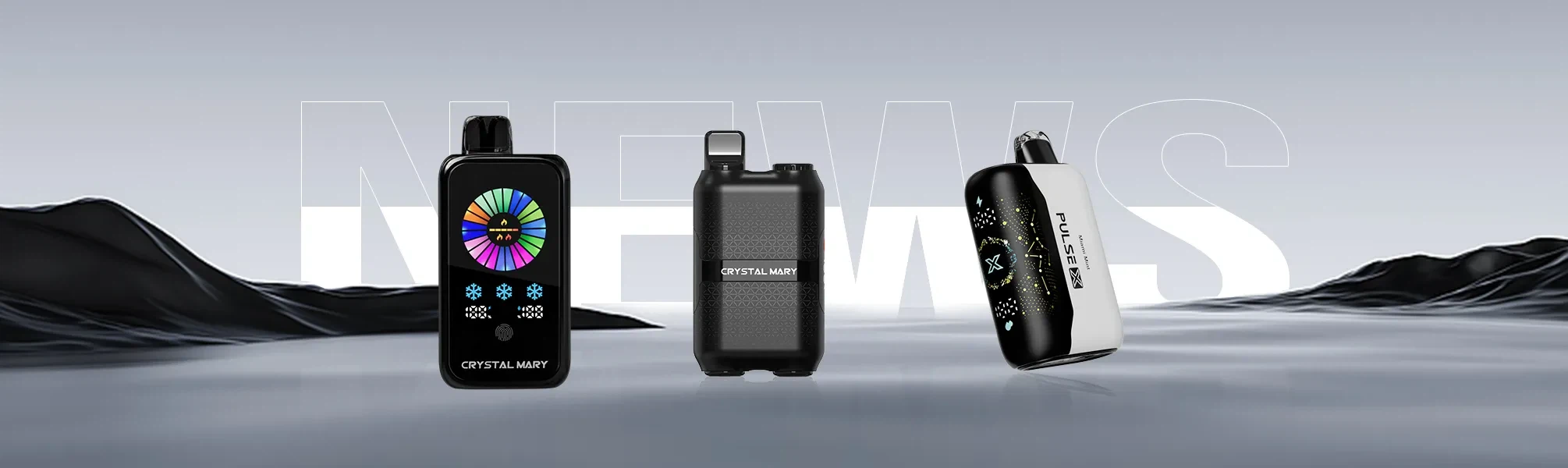
At Crystal Mary, we design selected screen-equipped devices to make operating information much easier to read. Depending on the specific model, our products might show battery status, e-liquid status, operating mode, and usage-related data on one clear interface.
We strongly recommend reading the puff information together with the battery and e-liquid indicators. Do not use the count as an exact prediction of the remaining life. Crystal Mary focuses on clear display layouts. These layouts help adult users review important device conditions without opening or modifying the product.
FAQ
Q: Can you reset a puff counter on a disposable vape?
A: Many draw-activated disposable vapes do not offer a manual reset option. If the device has no button, settings menu, or official reset instructions, the internal chip probably controls the count. You must never open a sealed device to force a reset.
Q: Why is my vape puff counter not counting?
A: Common causes include blocked airflow, low battery power, a delayed screen refresh, or an airflow sensor problem. Check whether the device still produces vapor. Clean the external air inlet with a dry cloth. Charge the device if supported, and let it cool if it feels hot.
Q: Does charging reset a puff counter?
A: It depends completely on the device. Some models preserve the puff history while charging. Other models restart the count when the control chip reboots. You should not treat charging as a universal reset method.


